
"GPT-5.2 reasoning agent for Google Docs, Sheets, Slides, Gmail, and Drive."
- 1 ratings
- 5.0
- Monthly users
- 234K
- Pricing
- Freemium / Subscription
- Platform
- Web App / Browser Extension
Overview
GPT Workspace is a GPT-5.2 assistant inside Google Docs, Sheets, Slides, Gmail, and Drive (Chrome extension / Workspace add-on) for writing, editing, summarizing, spreadsheet formulas, and slide generation.
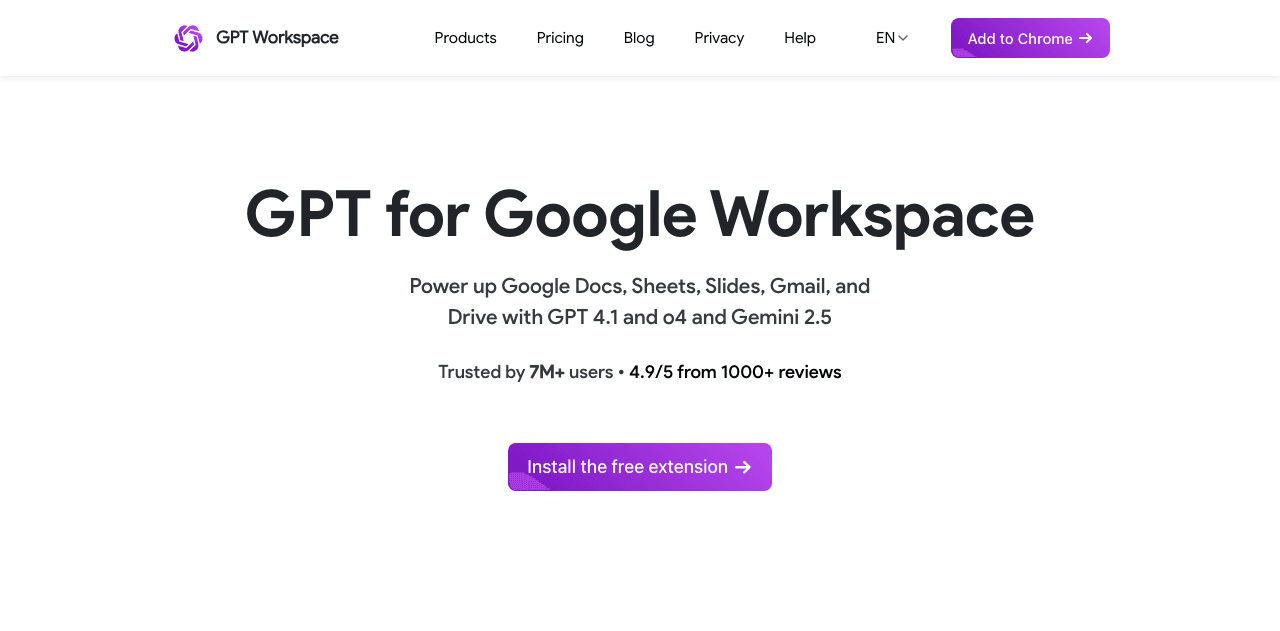
GPT-5.2 reasoning agent for Google Docs, Sheets, Slides, Gmail, and Drive.
Key Features
Context-aware conversations
The AI adapts to your communication style and preferences over time. “GPT-5.2 reasoning agent for Google Docs, Sheets, Slides, Gmail, and Drive.” Key facts we track so you can judge fit before visiting the provider. Listing data is compiled from structured provider information, public signals, submissions, and periodic checks where available. Treat this page as a shortlist aid, then verify pricing, compliance, and product limits with the provider before making a business-critical decision. Understanding the core functionality and approach of GPT Workspace. GPT Workspace helps content creators generate ideas, refine messaging, and engage audiences. Chat-based interfaces make AI assistance feel natural and accessible. Latest release shipped on September 18, 2026, showing a fast-moving roadmap. Explore what makes GPT Workspace stand out. The AI adapts to your communication style and preferences over time. GPT Workspace meets you where you work—available as a plugin and on Web App, Browser Extension, and Plugin/Integration. Voice input and output options make GPT Workspace accessible in hands-free scenarios. Multi-platform support ensures everyone can use GPT Workspace regardless of their device preference. Demo and trial environments let teams experience GPT Workspace before committing. Automation frees time for strategic initiatives while maintaining consistency. GPT Workspace is most useful when routine operations can be clearly defined and checked after execution. Discover how different audiences leverage GPT Workspace. Educators use GPT Workspace to create lesson plans, generate practice exercises, and provide personalized feedback. GPT Workspace bridges time zones and locations with async-friendly workflows. Content Creators rely on GPT Workspace to keep content volume high—templates, collaboration, and AI help hit deadlines without extra headcount. See how GPT Workspace stacks up against similar alternatives in the market. Providers can update product facts, pricing context, screenshots, and launch notes. Paid placements are labeled separately and do not replace editorial or data-quality review. Use this page to evaluate GPT Workspace alongside similar conversational ai tools in our alternatives overview. The goal is not to pick the most popular product; it is to find the tool that fits your actual workflow, risk level, and budget. For broader context, browse more conversational ai tools for content creators, or compare this page against the category hub. New to AI tool evaluation? Start with AI Tool Navigator. Help others discover GPT Workspace by sharing it on your favorite platforms. Found incorrect information or have concerns about GPT Workspace? Let us know. Get a structured 3-5 tool recommendation, pricing comparison, and implementation roadmap for your team.Multi-modal AI interactions
Rate this Tool
About GPT Workspace
GPT Workspace Snapshot
Before you choose GPT Workspace
What to verify
How GPT Workspace Works
Key Features
Context-aware conversations
Multi-modal AI interactions
Broad platform coverage
Hands-on demos
Reduce manual work
Use Cases
Personalized learning support
Boost remote productivity
Ship content faster
FAQ about GPT Workspace
What is GPT Workspace and what does it do?
How much does GPT Workspace cost?
Is GPT Workspace secure and compliant with data privacy regulations?
What platforms does GPT Workspace support?
How can I try GPT Workspace before purchasing?
What file formats does GPT Workspace support?
Who develops and maintains GPT Workspace?
How do I get access to GPT Workspace?
What deployment options does GPT Workspace offer?
Who is GPT Workspace best suited for?
Compare Similar Tools
Keep GPT Workspace's listing accurate
How to Evaluate GPT Workspace
Share GPT Workspace
Report an Issue
Need a tool shortlist for a real business use case?


Facts & Trust
Pricing and key facts stay visible first; expand compliance, specs, and provider details when you need deeper due diligence.
Figures above in this panel are rounded for quick orientation. Sign in for exact visits, rank breakdown, and engagement metrics.
Expert Insight
Albert Schaper(Artificial Intelligence, AI Tools)
Albert Schaper endorses GPT Workspace for Conversational AI applications. Albert Schaper's knowledge of artificial intelligence makes this recommendation especially relevant for content creators seeking artificial intelligence tools.
Need Help Finding the Right Tool?
Looking for alternatives to GPT Workspace or similar tools? Use our AI chatbot to find the right solution for your needs.
Facts & Trust
Pricing and key facts stay visible first; expand compliance, specs, and provider details when you need deeper due diligence.
Figures above in this panel are rounded for quick orientation. Sign in for exact visits, rank breakdown, and engagement metrics.