AI Tools for Educators
Explore 1601 curated AI tools for Educators, organized around real workflows, selection criteria, and practical adoption risks.
Educators juggle lesson planning, classroom engagement, grading, and student support. AI teaching assistants lighten administrative load and personalize learning without sacrificing pedagogy.
Students expect adaptive experiences, yet teachers face shrinking prep time. AI lesson generators, formative assessment tools, and tutoring bots help educators deliver differentiated instruction and timely feedback.


Community leaders
Google Gemini · ChatGPT · Perplexity
Start with your workflow
Pick a task to open an AI-assisted recommendation prompt, then compare tools once you have a shortlist.
lesson plans aligned to standards with differentiat...
Create lesson plans aligned to standards with differentiated activities for varied skill levels.
Ask AI Finderquizzes, rubrics, and feedback comments tailored to...
Generate quizzes, rubrics, and feedback comments tailored to student performance data.
Ask AI Finderinteractive content—simulations, slide decks, or re...
Build interactive content—simulations, slide decks, or reading guides—that keeps learners engaged.
Ask AI FinderProvide after-hours support via AI tutors that esca...
Provide after-hours support via AI tutors that escalate to humans when necessary.
Ask AI FinderShowing 12 of 1,601 AI tools for Educators
Your everyday Google AI assistant for creativity, research, and productivity
Gemini is Google's family of advanced multimodal AI models (including 2.5 Pro, 2.5 Flash, and experimental 3.0) and assistant, with superior reasoning, coding, math, and creative capabilities across text, images, audio, video, and code. Integrated in Google apps, Search, Workspace, and services for consumers and enterprises, it offers Deep Think mode, Gemini Live, file analysis, Canvas, agentic assistance, and premium plans like AI Ultra.
ChatGPT
AI research, productivity, and conversation—smarter thinking, deeper insights.
ChatGPT is OpenAI's conversational AI assistant for everyday use, research, and productivity. Users chat in natural language, upload images and files, use voice mode, generate images, browse the web in real time, and run code, with agentic features for multi-step tasks.

Perplexity
Clear answers from reliable sources, powered by AI.
Perplexity is an AI-powered answer engine that delivers real-time, source-cited responses by combining advanced language models with live web search. Key features include Deep Research for comprehensive reports, Copilot for guided exploration, Perplexity Labs for interactive reports, data analysis, code execution, and visualizations (since May 2025), Comet Browser, specialized focus modes (Academic, News, YouTube, Web, Pro-Search, Reasoning), multimodal processing (text, images, videos, documents, file uploads), collaborative Spaces, Shopping Hub, Finance tools, and integrated browser. Accessible via web and mobile apps with free and Pro/Enterprise plans.

Claude
Your trusted AI collaborator for coding, research, productivity, and enterprise challenges
Claude is Anthropic's conversational AI, code assistance, and productivity platform for professionals and teams. It offers advanced reasoning, long-context workflows, Claude Code, and newer Cowork, Design, and Science tools for collaborative work, alongside safe agentic automation and enterprise-grade security and governance.
The AI that actually does things.
OpenClaw is an open-source, self-hosted AI assistant that runs on your own machine and works across WhatsApp, Telegram, Discord, Slack, Signal, iMessage, and other chat apps, as well as web, desktop, mobile, and CLI. It has full system access — browsing, file management, shell commands, email, and calendar — plus persistent memory and a skills system for custom integrations. Created by Peter Steinberger and stewarded by the nonprofit OpenClaw Foundation, it is MIT-licensed and works with Claude, GPT, or local models.

Create, edit, and design with industry-leading AI-powered image innovation.
Adobe Photoshop is the industry-standard photo editing and design software for Windows, macOS, iPad, and web. It empowers creative professionals to create, edit, and enhance images using advanced tools and AI features powered by Adobe Firefly, including improved Generative Fill, smarter Remove Tool for distraction removal (wires, people), Generative Expand, Generate Similar, Selection Brush, Harmonize (Beta) for realistic compositing, Generative Upscale (Beta), Projects (Beta) for cloud organization, Gen AI Model Picker, 3D model integration via Substance 3D Viewer Beta, dynamic text, refined subject selection, 32-bit HDR support, and partner AI models. Frequent updates deliver innovation for photography, compositing, digital art, graphic design, and 3D modeling.

DeepL
The world’s most accurate AI translator
DeepL is an advanced AI language platform offering highly accurate translations of text, documents, speech, and files across 100+ languages. It delivers context-aware, natural-sounding translations using neural networks, with features like Clarify for interactive clarifications (DE-EN), real-time voice translation, DeepL Write Pro for writing assistance, grammar correction, tone adjustment, custom glossaries, offline mode (Pro), collaboration tools, and enterprise API with security and integrations.
Grok
Your cosmic AI guide for real-time discovery and creation
xAI builds Grok, an AI chatbot with voice chat, image and video generation, real-time search, and advanced reasoning. Try Grok at grok.com.

All the AI magic of Canva, in one place.
Magic Studio is Canva’s centralized suite of over 20 AI-powered tools, streamlining creative workflows by enabling users to instantly generate, edit, and transform designs, text, images, videos, and audio—all within Canva. Core features include Magic Design for instant layouts and presentations from prompts, Magic Media for text-to-image/video, Magic Edit, Magic Eraser, Magic Grab, Magic Morph, Magic Expand, Magic Write for text generation, Magic Switch & Resize for multi-format/language conversion, Magic Animate, Beat Sync, Magic Backgrounds for AI-generated backgrounds, Background Remover/Generator, plus access to a growing marketplace of third-party AI apps like Dolly and Runway. Recent additions from Canva Create 2025 include enhanced Brand Kit 2.0, Brand Guidelines, 3D elements, text gradients, and Photo Editor with point-and-click editing. Built for individuals, teams, and enterprises (Pro+ required for full access), it emphasizes intuitive usability, speed, brand management
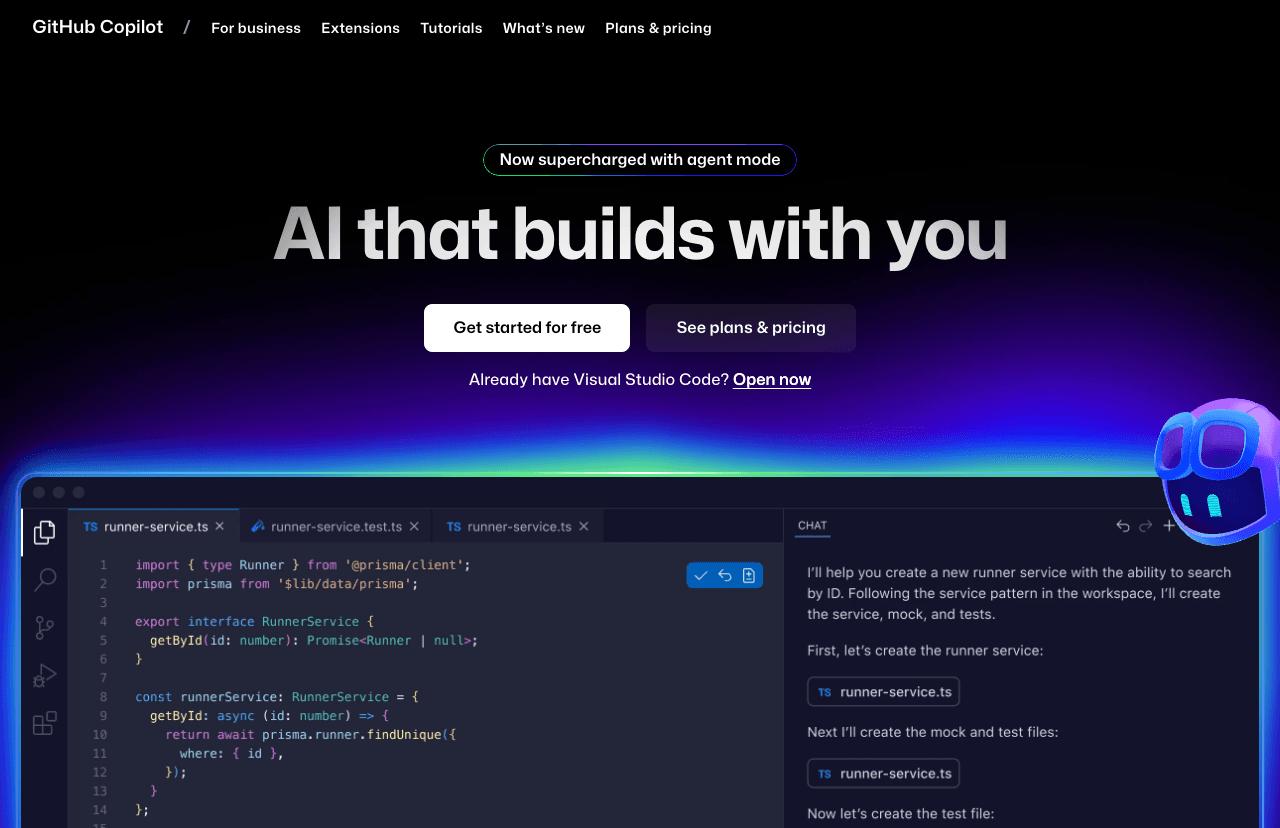
Your AI pair programmer and autonomous coding agent
GitHub Copilot is an AI-powered coding assistant and autonomous agent that integrates directly in IDEs (VS Code, Visual Studio, JetBrains, Xcode, Eclipse, Vim/Neovim) and the cloud. It provides code completions, next edit predictions, inline chat, multi-file editing, intelligent actions for tests/docs/fixes, and agent mode for handling issues, pull requests, refactoring, app modernization (.NET/Java), error fixing, test coverage, and multi-step workflows. New 2025 features include Copilot Free tier, enhanced agent with MCP integration, custom agents for workflows (CI/CD, security), open-sourced chat extension, and support for 15M+ developers.
Notion AI
The all-in-one AI workspace that takes notes, searches apps, and builds workflows where you work.
Notion AI is a deeply integrated artificial intelligence assistant within the Notion workspace, available for Business and Enterprise plans in 2025. It leverages multiple leading LLMs from different providers (it is model agnostic) to provide contextual writing, editing, summarizing, multilingual translation, brainstorming, and automation. Key 2025 features include enterprise-level search across connected apps (e.g. Slack, Google Drive), native chat integration, AI-powered meeting notes, research mode for auto-generated documents, advanced database properties for summaries and tags, web search connectivity, and improved team workflow and knowledge management through intelligent agents. Notion AI is not available for Free or Plus plans.
Suno AI
Make any song you can imagine
AI-powered music creation platform that enables users to generate original songs and music tracks from text descriptions, leveraging advanced models for dynamic audio, customizable features, and instant downloads—no musical experience required.
Not seeing the right fit for Educators?
Describe your exact workflow and let the AI finder suggest tools beyond this shortlist.
Explore AI tool categories
FAQ
What are common AI workflows for Educators?
Create lesson plans aligned to standards with differentiated activities for varied skill levels. Generate quizzes, rubrics, and feedback comments tailored to student performance data. Build interactive content—simulations, slide decks, or reading guides—that keeps learners engaged. Provide after-hours support via AI tutors that escalate to humans when necessary.
How do I choose the right AI tool for Educators?
Alignment with curriculum standards, accessibility requirements, and district policies. Data privacy compliance (FERPA, GDPR) plus granular controls for student information. Integration with LMS platforms like Google Classroom, Canvas, or Schoology. Teacher-facing analytics that highlight struggling students early.
Are there free options for Educators?
Yes—many vendors offer free tiers or generous trials. Confirm usage limits, export rights, and upgrade triggers so you can scale without hidden costs.
How should I compare pricing for Educators tools?
Normalize plans to your usage, including seats, limits, overages, required add-ons, and support tiers. Capture implementation and training costs so your business case reflects the full investment.
What due diligence is essential before choosing tools for Educators?
Ensuring AI-generated materials remain pedagogically sound. Favor tools built with educator advisory boards and keep teacher review as the final step. Equity concerns if students have uneven access to technology. Select solutions that work offline or low-bandwidth and provide printable alternatives. Maintaining academic integrity when AI can produce assignments. Incorporate authentic assessments, oral defenses, and scaffolded checkpoints.
How do we roll AI out to the entire educators team?
Pilot with a small cohort—perhaps one grade or subject. Gather teacher feedback, adjust prompt templates, and share student outcomes. Pair tech-savvy educators with those less familiar to ensure equitable adoption.
Which metrics prove AI is delivering ROI?
Hours saved on lesson prep and grading. Student mastery gains or reduced achievement gaps. Teacher satisfaction and burnout indices. Family engagement through timely progress updates.
Any advanced strategies once the basics are working?
Use AI to simulate classroom scenarios—role-play differentiated instruction challenges and rehearse responses before they happen.
High-Impact Workflows You Can Automate Today
- Create lesson plans aligned to standards with differentiated activities for varied skill levels.
- Generate quizzes, rubrics, and feedback comments tailored to student performance data.
- Build interactive content—simulations, slide decks, or reading guides—that keeps learners engaged.
- Provide after-hours support via AI tutors that escalate to humans when necessary.
Tool Selection Framework for Educators
Use this checklist when evaluating new platforms so every trial aligns with your workflow, governance, and budget realities:
- Alignment with curriculum standards, accessibility requirements, and district policies.
- Data privacy compliance (FERPA, GDPR) plus granular controls for student information.
- Integration with LMS platforms like Google Classroom, Canvas, or Schoology.
- Teacher-facing analytics that highlight struggling students early.
Challenges & Risk Mitigation
Ensuring AI-generated materials remain pedagogically sound.
Equity concerns if students have uneven access to technology.
Maintaining academic integrity when AI can produce assignments.
Adoption & Change Management Playbook
Pilot with a small cohort—perhaps one grade or subject. Gather teacher feedback, adjust prompt templates, and share student outcomes. Pair tech-savvy educators with those less familiar to ensure equitable adoption.
Success Metrics to Track
- Hours saved on lesson prep and grading.
- Student mastery gains or reduced achievement gaps.
- Teacher satisfaction and burnout indices.
- Family engagement through timely progress updates.
Collaboration Tips & Advanced Strategies
- Host faculty workshops to swap AI lesson templates and classroom prompts.
- Engage administrators early to secure policy support and training budgets.
- Share impact stories with parents to build trust and transparency.
Pro move
Use AI to simulate classroom scenarios—role-play differentiated instruction challenges and rehearse responses before they happen.