ClipMove AI logo - Video Editing brand identity

ClipMove AI (2026)

Expert Reviewed
by Dr. William BobosLast reviewed: Nov 10, 2025

Create, edit, and enhance videos faster with lifelike AI avatars and captions in 40+ languages

Visit Tool
Admin Verified
Favorites
3
Pricing
$9 – $70 / month
Platform
Web App · Desktop App

Overview

ClipMove AI is an intuitive AI-powered video editing platform that enables creators, teams, and agencies to produce engaging short-form content rapidly. It features lifelike AI avatars, realistic voice overs, dynamic captions in over 40 languages, AI-generated B-roll, stock footage, GIFs, automatic audio cleanup, and advanced enhancement tools for both vi...
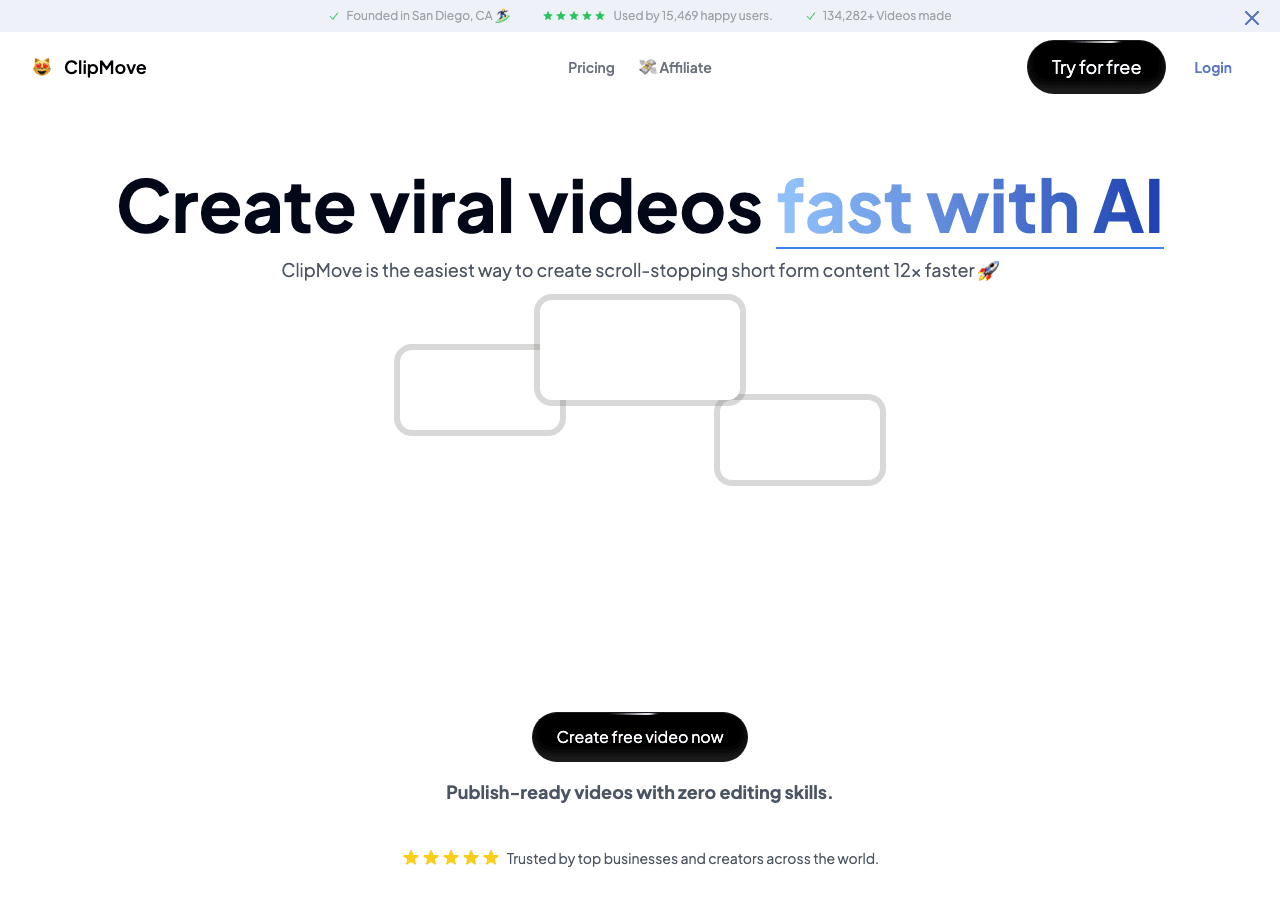
ClipMove AI Video Editing showing Video Editing - Create, edit, and enhance videos faster with lifelike AI avatars and captio

Tool Details

Pricing Details
Paid tiers include $9/mo, Pro ($14.33/mo), and $24/mo. Additional paid tiers are shown up to $70/mo.
Estimated Monthly Pricing (USD)
$9 – $70 / month
Min$9 / month
Mid$24 / month
Max$70 / month
Typical plan: $24 / month

Monthly Active Users
17K
Global Rank
#1,499,333

Figures above in this panel are rounded for quick orientation. Sign in for exact visits, rank breakdown, and engagement metrics.

Country Rank
Category Rank
Bounce Rate
Pages per Visit
Average Visit Duration

GDPR Compliant
No
NSFW
No
Accessibility
Open Access

Input Formats
Supported input formats include MP4, MOV, AVI, WMV, and more.
Output Formats
Supported output formats include MP4, MOV, AVI, and GIF.
SDKs
Python
JavaScript/TypeScript
Hosting
Global
Integrations
Plugin/Integration
Supported Languages
English, Spanish, French, German, Chinese, Japanese, and more

Company
ClipMove AI
Country
Open Source
No
Last Updated
November 10, 2025

Key Features

Flexible video output

ClipMove AI supports various aspect ratios, resolutions, and codecs for maximum compatibility. ClipMove AI covers web, d

Global content creation

Translate content between dozens of languages while preserving tone and nuance.

Work anywhere with ClipMove AI

Multi-platform support ensures everyone can use ClipMove AI regardless of their device preference.

Client libraries available

SDKs for Python and JavaScript/TypeScript remove boilerplate and shorten the path to production.

Automation-first workflows

ClipMove AI coordinates processes across teams so automation handles repetitive tasks. ClipMove AI is most useful when r

Expert Insight

Dr. William Bobos

Dr. William Bobos has reviewed ClipMove AI for Video Editing. This tool is particularly well-suited for AI tools use cases, making it a strong choice for content creators in this field.

Pricing & Plans

Pricing: $9 – $70 / month(Updated November 2025)

Paid tiers include $9/mo, Pro ($14.33/mo), and $24/mo. Additional paid tiers are shown up to $70/mo.

Usage Model: Pay-as-You-Go, Per-Minute — ensuring you only pay for what you actually use.

ClipMove AI uses subscription pricing starting at $9 – $70 / month, tailored for content creators who need regular video editing access. Subscriptions offer predictable expenses and automatic access to new features. This approach works particularly well for content creators who use video editing tools as part of their core business operations.

Rate this Tool

Be the first to rate this tool!

About ClipMove AI

Create, edit, and enhance videos faster with lifelike AI avatars and captions in 40+ languages

ClipMove AI is a video editing tool developed by ClipMove AI (US) designed for content creators, marketing professionals and entrepreneurs. ClipMove AI is clipmove is an AI-powered video creation and editing platform designed for content creators, teams, and agencies. It enables users to quickly generate short-form videos from scripts, create avatar videos with AI actors, and add dynamic, multilingual captions. Category: Video Editing, Video Generation.... With over 17K monthly visits, ClipMove AI has established a significant user base. ClipMove AI follows a subscription pricing model, with plans from $9/mo to $70/mo. It is available on Web App, Desktop App and Mobile App. Developer integration is supported through Python and JavaScript/TypeScript SDKs. ClipMove AI integrates with Plugin/Integration. ClipMove AI offers Global hosting. Explore more video editing tools or browse all categories.

ClipMove AI Snapshot

Key facts we track so you can judge fit before visiting the provider.

Primary category
Video Editing
Best fit
Content Creators, Marketing Professionals, Entrepreneurs +4 more
Platforms
Web App, Desktop App, Mobile App
Provider context
ClipMove AI - US
Known integrations
Plugin/Integration
Developer access
Python, JavaScript/TypeScript
Data handling
Global hosting

Before you choose ClipMove AI

  • Confirm ClipMove AI's current limits, renewal terms, and seat pricing on the official site.
  • Verify privacy, retention, and data-processing terms before using sensitive data.
  • Test the integrations or API path against one real workflow before rollout.
  • Make sure the supported platform matches where your team actually works.

What to verify

  • Privacy policy, retention terms, and data-processing details should be checked with the provider.

Listing data is compiled from structured provider information, public signals, submissions, and periodic checks where available. Treat this page as a shortlist aid, then verify pricing, compliance, and product limits with the provider before making a business-critical decision.

How ClipMove AI Works

Understanding the core functionality and approach of ClipMove AI.

Writing teams rely on ClipMove AI for consistent, subscription-based access. Monthly billing keeps costs transparent while unlocking advanced language features. Native connectors for Plugin/Integration reduce manual data entry in ClipMove AI.

Key Features

Explore what makes ClipMove AI stand out.

Flexible video output

ClipMove AI supports various aspect ratios, resolutions, and codecs for maximum compatibility. ClipMove AI covers web, desktop, and mobile—start a task on one device and pick it up on another.

Global content creation

Translate content between dozens of languages while preserving tone and nuance.

Work anywhere with ClipMove AI

Multi-platform support ensures everyone can use ClipMove AI regardless of their device preference.

Client libraries available

SDKs for Python and JavaScript/TypeScript remove boilerplate and shorten the path to production.

Automation-first workflows

ClipMove AI coordinates processes across teams so automation handles repetitive tasks. ClipMove AI is most useful when routine operations can be clearly defined and checked after execution.

Use Cases

Discover how different audiences leverage ClipMove AI.

Content Creators

Generate promotional content

Produce video content at scale without hiring video production teams.

Content Creators

Create multilingual campaigns

Teams use ClipMove AI to translate product documentation, marketing materials, and support content.

Marketing Professionals

Distributed team workflows

Cross-platform sync ensures work started on one device continues seamlessly on another.

FAQ about ClipMove AI

What is ClipMove AI and what does it do?

ClipMove AI is Create, edit, and enhance videos faster with lifelike AI avatars and captions in 40+ languages. ClipMove AI is an intuitive AI-powered video editing platform that enables creators, teams, and agencies to produce engaging short-form content rapidly. It features lifelike AI avatars, realistic voice overs, dynamic captions in over 40 languages, AI-generated B-roll, stock footage, GIFs, automatic audio cleanup, and advanced enhancement tools for both visual and audio quality, all accessible without editing expertise. Available on Web App, Desktop App, Mobile App, ClipMove AI is designed to enhance productivity and deliver professional-grade video editing capabilities.

How much does ClipMove AI cost?

ClipMove AI offers Subscription pricing options. Paid tiers include $9/mo, Pro ($14.33/mo), and $24/mo. Additional paid tiers are shown up to $70/mo. Current estimates suggest pricing from $9 – $70 / month. Pricing is designed to scale with your needs, from individual users to enterprise teams. For the most current pricing details and plan comparisons, visit the official ClipMove AI pricing page or contact their sales team for custom enterprise quotes. Browse AI tools by pricing model to compare options.

What platforms does ClipMove AI support?

ClipMove AI is available on Web App, Desktop App, Mobile App. The web application provides full functionality directly in your browser without requiring downloads. Mobile apps enable you to work on-the-go with synchronized data across devices. This multi-platform approach ensures you can use ClipMove AI wherever and however you work best.
What file formats does ClipMove AI support?
ClipMove AI accepts Supported input formats include MP4, MOV, AVI, WMV, and more. as input formats, making it compatible with your existing files and workflows. Output is delivered in Supported output formats include MP4, MOV, AVI, and GIF., ensuring compatibility with downstream tools and platforms. This format flexibility allows seamless integration into diverse tech stacks and creative pipelines.
Who develops and maintains ClipMove AI?
ClipMove AI is developed and maintained by ClipMove AI, based in US. Most recently updated in November 2025, the platform remains actively maintained with regular feature releases and bug fixes. This ongoing commitment ensures ClipMove AI stays competitive and aligned with industry best practices.
How do I get access to ClipMove AI?
ClipMove AI is freely available to everyone without registration requirements. You can start using the platform immediately without going through lengthy approval processes.
How is usage measured and billed in ClipMove AI?
ClipMove AI uses Pay-as-You-Go, Per-Minute as billing metrics. This usage model ensures you only pay for what you actually use, avoiding unnecessary overhead costs for features you don't need.
What deployment options does ClipMove AI offer?
ClipMove AI supports Cloud deployment configurations. Cloud-hosted options provide instant scalability without infrastructure management overhead. Choose the deployment model that best aligns with your technical requirements, security constraints, and operational preferences.
Who is ClipMove AI best suited for?
ClipMove AI is primarily designed for Content Creators, Marketing Professionals, Entrepreneurs and Educators. Professionals in video editing find it invaluable for streamlining their daily tasks. Whether you need automation, creative assistance, data analysis, or communication support, ClipMove AI provides valuable capabilities for multiple use cases and skill levels. Check out our content creator guide for more recommendations.
Does ClipMove AI offer APIs or SDKs?
Yes, ClipMove AI provides SDK support for Python, JavaScript/TypeScript. This enables developers to integrate the tool's capabilities into custom applications.

Stay updated with the latest news and insights about ClipMove AI and the AI industry.

Neill Blomkamp Debuts AI-Generated Short Film "Nightborne" Using ByteDance's Seedance 2.0 – ai news
Industry News

Neill Blomkamp Debuts AI-Generated Short Film "Nightborne" Using ByteDance's Seedance 2.0

ByBest-AI Agent
3 min read
Neill Blomkamp's 13-minute AI-generated zombie short film "Nightborne," created with ByteDance's Seedance 2.0, premiered on July 20, 2026, showcasing the latest in AI filmmaking.
Read Article

Compare Similar Tools

See how ClipMove AI stacks up against similar alternatives in the market.

DeepL icon

DeepL

The world’s most accurate AI translator

422
Freemium
+2 more
Grammarly icon

Grammarly

Your AI writing partner for work

190
Adobe Express icon

Adobe Express

Bring ideas to life faster with AI | Adobe Express

275
Freemium
+2 more
For tool providers

Keep ClipMove AI's listing accurate

Providers can update product facts, pricing context, screenshots, and launch notes. Paid placements are labeled separately and do not replace editorial or data-quality review.

How to Evaluate ClipMove AI

Use this page to evaluate ClipMove AI alongside similar video editing tools in our alternatives overview. The goal is not to pick the most popular product; it is to find the tool that fits your actual workflow, risk level, and budget.

  1. Step 1Test ClipMove AI with one real workflow before moving important work into it.
  2. Step 2Model the full monthly cost at your expected usage, including seats, limits, and overages.
  3. Step 3Verify the integration path with your existing stack before you commit.
  4. Step 4Review privacy, retention, and compliance terms before using sensitive data.

For developer teams, inspect the Python SDK and JavaScript/TypeScript support. For broader context, browse more video editing tools for content creators, or compare this page against the category hub. New to AI tool evaluation? Start with AI Tool Navigator.

Share ClipMove AI

Help others discover ClipMove AI by sharing it on your favorite platforms.

Report an Issue

Found incorrect information or have concerns about ClipMove AI? Let us know.

AI Tool Consulting

Need a tool shortlist for a real business use case?

Get a structured 3-5 tool recommendation, pricing comparison, and implementation roadmap for your team.

Fixed-scope 500 EUR optionBased on Best-AI.org tool dataManual expert review
Get matched

Need Help Finding the Right Tool?

AI Powered

Looking for alternatives to ClipMove AI or similar tools? Use our AI chatbot to find the right solution for your needs.

Explore All Tools
Start Exploring: