AI Tools for Graphic Designers
Explore 660 curated AI tools for Graphic Designers, organized around real workflows, selection criteria, and practical adoption risks.
Designers balance creativity with production deadlines. AI design copilots accelerate concepting, variant exploration, and asset delivery while keeping brand systems intact.
Clients expect visual refreshes in days, not weeks. AI can auto-generate mood boards, iterate on layouts, and prep production-ready files so teams iterate with clients faster.


Community leaders
OpenClaw AI Agent · Magnific · Adobe Photoshop
Start with your workflow
Pick a task to open an AI-assisted recommendation prompt, then compare tools once you have a shortlist.
concept boards from creative briefs, color palettes...
Generate concept boards from creative briefs, color palettes, and brand guidelines.
Ask AI FinderTranslate hand-drawn sketches into polished vector ...
Translate hand-drawn sketches into polished vector illustrations.
Ask AI FinderBatch produce marketing assets—social posts, banner...
Batch produce marketing assets—social posts, banners, pitch decks—with consistent typography.
Ask AI FinderUpscale, retouch, and localize assets across region...
Upscale, retouch, and localize assets across regions while preserving brand DNA.
Ask AI FinderStart Here for Design Workflow Discovery
Use the strongest existing hub pages to narrow budget, workflow, and tooling decisions before you compare individual design tools.
Start with free design tools
Use the free pricing hub to shortlist tools for quick experiments, internal concepts, and early-stage visual ideation.
Explore free toolsCompare freemium upgrade paths
Check which tools let designers start for free, then scale into brand, team, or export-heavy workflows later.
View freemium optionsStay inside your current workflow
If your team already works in Figma, Adobe, or collaboration tools, use the plugin and integration hub before switching to a standalone app.
Browse integrationsShowing 12 of 660 AI tools for Graphic Designers
The AI that actually does things.
OpenClaw is an open-source, self-hosted AI assistant that runs on your own machine and works across WhatsApp, Telegram, Discord, Slack, Signal, iMessage, and other chat apps, as well as web, desktop, mobile, and CLI. It has full system access — browsing, file management, shell commands, email, and calendar — plus persistent memory and a skills system for custom integrations. Created by Peter Steinberger and stewarded by the nonprofit OpenClaw Foundation, it is MIT-licensed and works with Claude, GPT, or local models.

Magnific
Generate on-brand AI images from text, sketches, or photos—fast, realistic, and ready for commercial use.
Magnific (formerly Freepik, rebranded on 28 April 2026) is an AI creative platform that brings image generation, video generation, upscaling and enhancement, background removal, mockups, voice and music generation and an integrated stock library into one workspace, with access to many leading image and video models. From mid-2026 it also offers Agents, MCP and Flows for automated creative workflows. It serves individual creators and enterprise teams.

Create, edit, and design with industry-leading AI-powered image innovation.
Adobe Photoshop is the industry-standard photo editing and design software for Windows, macOS, iPad, and web. It empowers creative professionals to create, edit, and enhance images using advanced tools and AI features powered by Adobe Firefly, including improved Generative Fill, smarter Remove Tool for distraction removal (wires, people), Generative Expand, Generate Similar, Selection Brush, Harmonize (Beta) for realistic compositing, Generative Upscale (Beta), Projects (Beta) for cloud organization, Gen AI Model Picker, 3D model integration via Substance 3D Viewer Beta, dynamic text, refined subject selection, 32-bit HDR support, and partner AI models. Frequent updates deliver innovation for photography, compositing, digital art, graphic design, and 3D modeling.

All the AI magic of Canva, in one place.
Magic Studio is Canva’s centralized suite of over 20 AI-powered tools, streamlining creative workflows by enabling users to instantly generate, edit, and transform designs, text, images, videos, and audio—all within Canva. Core features include Magic Design for instant layouts and presentations from prompts, Magic Media for text-to-image/video, Magic Edit, Magic Eraser, Magic Grab, Magic Morph, Magic Expand, Magic Write for text generation, Magic Switch & Resize for multi-format/language conversion, Magic Animate, Beat Sync, Magic Backgrounds for AI-generated backgrounds, Background Remover/Generator, plus access to a growing marketplace of third-party AI apps like Dolly and Runway. Recent additions from Canva Create 2025 include enhanced Brand Kit 2.0, Brand Guidelines, 3D elements, text gradients, and Photo Editor with point-and-click editing. Built for individuals, teams, and enterprises (Pro+ required for full access), it emphasizes intuitive usability, speed, brand management
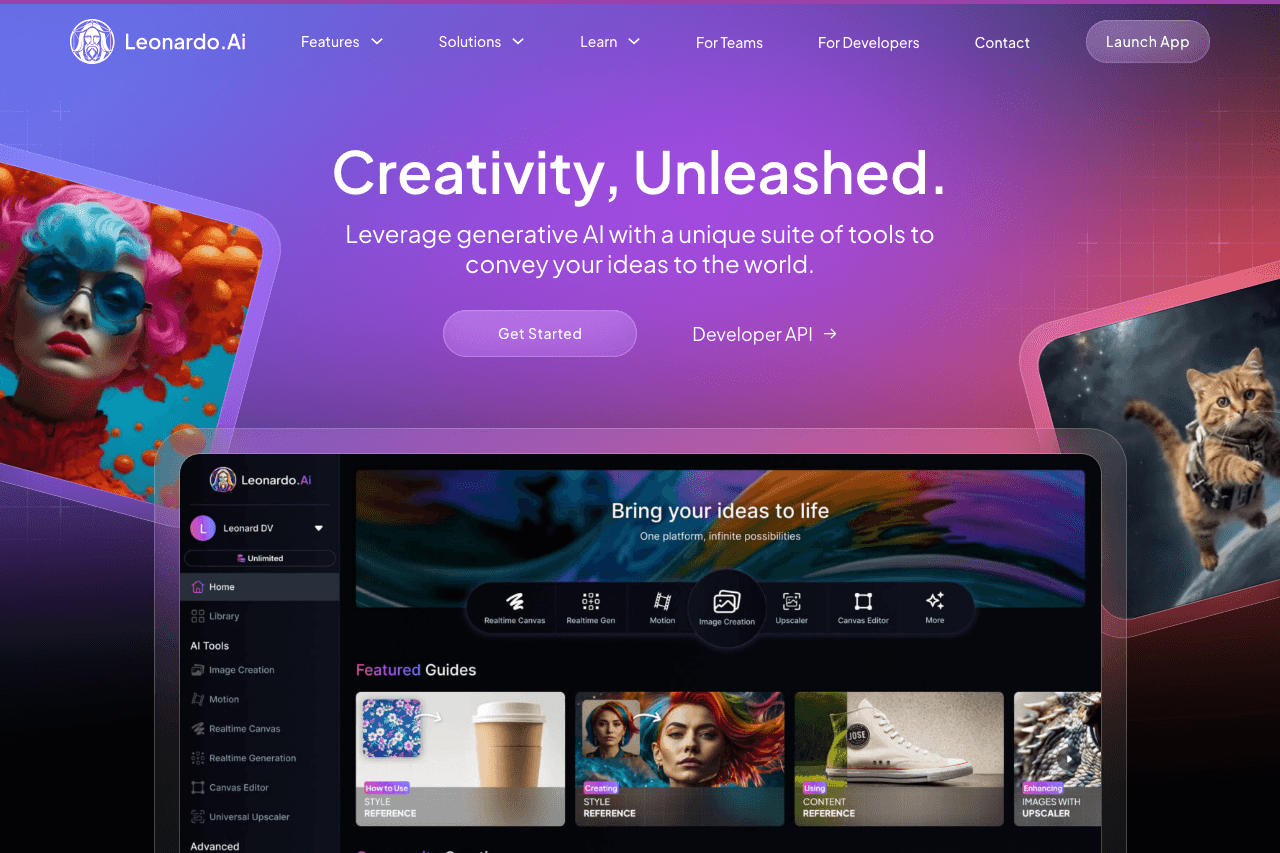
Leonardo.Ai
Create production-ready visuals with AI-powered creativity
Leonardo AI is a cutting-edge AI platform for generating production-ready images, textures, videos, and 3D assets from text prompts and images. Key features include real-time canvas editing with inpainting/outpainting, custom model training, AI upscaling, batch generation, Flow State, character/style consistency, Motion video generation, Prompt Magic, negative prompts, professional API, and community tools. It serves digital artists, game developers, VFX artists, marketers, designers, and content creators with an intuitive interface and specialized models.

Bring ideas to life faster with AI | Adobe Express
Adobe Express is a cloud-based creative platform featuring an advanced conversational AI assistant (beta) for dialog-based content creation and editing. It includes generative AI tools for image, video, and template generation, text effects, dynamic animation, smart resize, background and object removal (Generative Fill), automatic captions and subtitles, AI translations, rewriting and copy suggestions, social media captions, Clipmaker, scene view, enhance speech, animate characters, and integration with Adobe Creative Cloud, Microsoft Teams, and leading chatbot platforms. The AI assistant enables context-aware edits to text, images, backgrounds, and designs, streamlining workflows for all skill levels to produce professional marketing materials, presentations, social media posts, and documents.
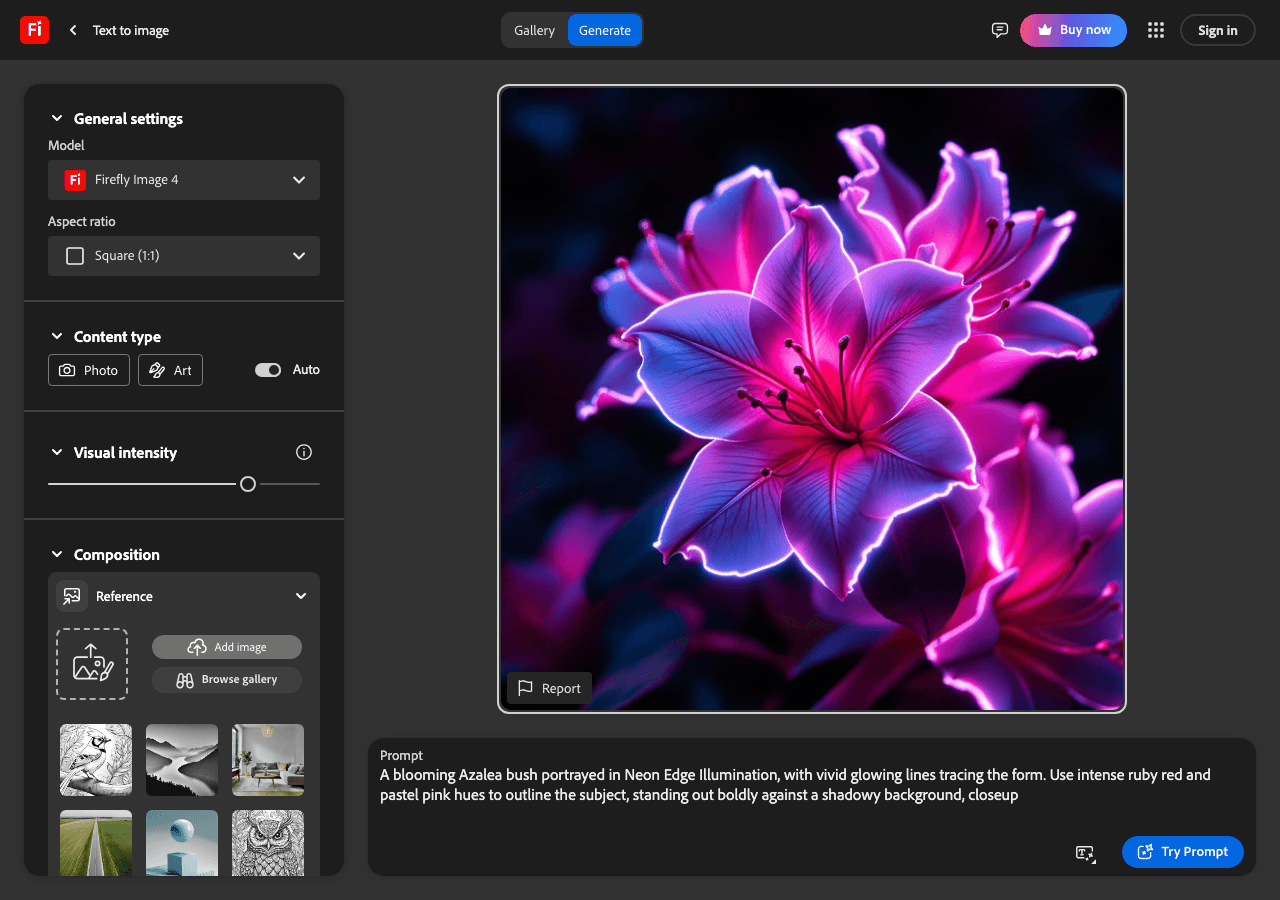
Create your way with Adobe Firefly—AI for every creative vision.
Adobe Firefly is Adobe’s all‑in‑one, commercially‑safe generative AI studio for multimedia that lets users ideate and create images, videos, audio, vectors, text effects and more using advanced Firefly and partner models. Unified across web and Creative Cloud apps (and expanding to mobile), it offers text‑to‑image and text‑to‑video, image and layered video editing, generative fill and expand, audio and video translation, soundtrack generation and text‑to‑speech, prompt‑based image and video editing, Firefly Boards for collaborative ideation, presets and style kits, as well as custom and enterprise models via Firefly Foundry—supporting fast, consistent content creation for individuals and organizations in over 100 languages.

remove.bg
Remove backgrounds instantly, then design everything else in one click
All-in-one AI-powered image editing hub that automatically removes backgrounds in ~5 seconds, with Magic Brush for manual edits, AI-generated Magic Backgrounds, custom backgrounds, distraction/object removal, effects (blur, AI shadows), edge refinement, bulk processing (up to 500 images/min via desktop app), API, plugins for Photoshop/Figma/Zapier/Canva, desktop/mobile apps, and design tools including text, cropping, and adjustments for comprehensive photo editing workflows.
Stable Diffusion web UI
Stable Diffusion web UI, known as AUTOMATIC1111 or A1111, is an open-source browser interface for generating images with Stable Diffusion models on your own computer. It is free under the AGPL-3.0 license and one of the most-starred AI projects on GitHub.

Shutterstock
Fuel Great Work
Shutterstock is a leading global technology company offering a creative platform with over 450 million images, daily additions of 200,000 new images, 10 million+ video clips and music tracks, editing tools, generative AI solutions, custom production services through Shutterstock Studios, and content distribution via GIPHY. The platform serves creative professionals and businesses across 150+ countries with assets from 1,000,000+ contributors, including 3D models, editorial content, and partnerships like Associated Press.
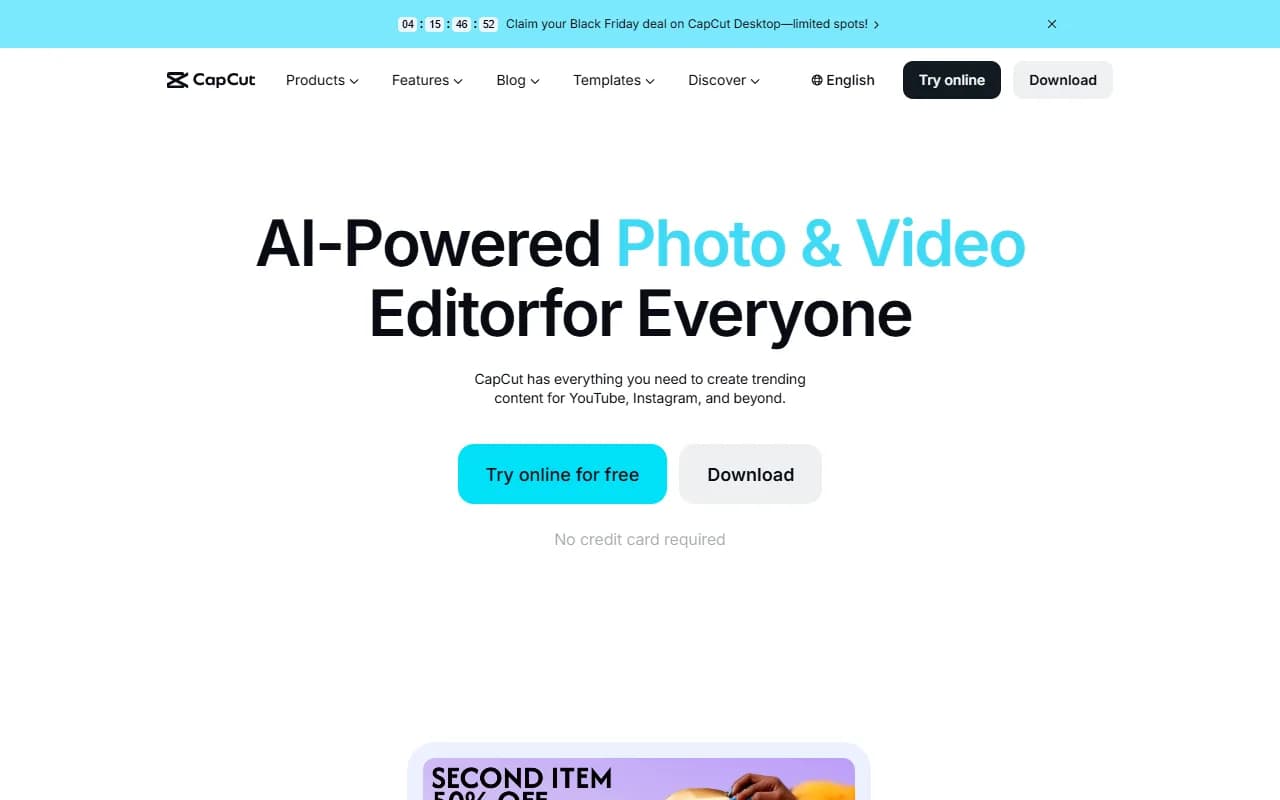
CapCut
Create professional videos effortlessly with AI-powered tools
CapCut is a free and pro video editing platform for desktop, web, and mobile, featuring advanced AI tools such as instant AI video creation from scripts (Script to Video), automated media matching, AI avatars with voiceovers and lip-sync, trending templates, filters, effects, audio tools including noise reduction and voice enhancement, color grading and auto adjustment, professional editing features like keyframe animation, masking, chroma key, picture-in-picture, video stabilization, AI upscaling to 4K, auto reframing, AI relighting, smooth slow motion, automatic captions, object tracking, background removal, robust cloud storage, and direct social media exports for TikTok, YouTube, Instagram, and more.
Professional control of visual AI
ComfyUI is a node-based canvas for image and video generation: you connect models, processing steps and outputs into reusable workflows and control every parameter. Comfy Desktop runs it free on your own hardware; Comfy Cloud runs the same workflows in the browser on hosted GPUs. Open source under GPL-3.0 and maintained by Comfy Org.
Not seeing the right fit for Graphic Designers?
Describe your exact workflow and let the AI finder suggest tools beyond this shortlist.
Explore AI tool categories
Compare finalists after your shortlist
Once you know the workflow, use focused comparisons and related design tools to make the final call.
vsMagnific vs Adobe Photoshop
vs
Magnific vs Canva Magic Studio
vs
Magnific vs Leonardo.Ai


FAQ
What are common AI workflows for Graphic Designers?
Generate concept boards from creative briefs, color palettes, and brand guidelines. Translate hand-drawn sketches into polished vector illustrations. Batch produce marketing assets—social posts, banners, pitch decks—with consistent typography. Upscale, retouch, and localize assets across regions while preserving brand DNA.
How do I choose the right AI tool for Graphic Designers?
Support for layered exports (PSD, AI, Figma) that slot into existing toolchains. Brand management features: style libraries, approval workflows, and version history. Ethical guardrails for training data plus controls for avoiding trademark conflicts. Collaboration modes where designers and stakeholders can annotate or suggest edits.
Are there free options for Graphic Designers?
Yes—many vendors offer free tiers or generous trials. Confirm usage limits, export rights, and upgrade triggers so you can scale without hidden costs.
How should I compare pricing for Graphic Designers tools?
Normalize plans to your usage, including seats, limits, overages, required add-ons, and support tiers. Capture implementation and training costs so your business case reflects the full investment.
What due diligence is essential before choosing tools for Graphic Designers?
AI outputs that ignore brand constraints. Choose tools with brand kits, custom reference uploads, or prompt locks to enforce fonts, colors, and imagery rules. Creative stagnation when prompts recycle similar aesthetics. Regularly refresh inspiration datasets and invite teams to co-create prompt packs by campaign. Fear of AI replacing human designers. Position AI as an assistant for exploration and production; keep human oversight for concept direction, storytelling, and client stewardship.
How do we roll AI out to the entire graphic designers team?
Pilot AI on internal assets or low-risk campaigns. Capture before/after timelines and quality scores. Once confidence grows, integrate the assistant into client presentations, using AI to visualize options quickly while humans lead strategy.
Which metrics prove AI is delivering ROI?
Turnaround time from brief to approved concept. Number of design variations explored per project. Client satisfaction and revision count. Time saved on production tasks like resizing or localization.
Any advanced strategies once the basics are working?
Train custom style models on your portfolio to generate assets that feel uniquely “on brand” for each client.
High-Impact Workflows You Can Automate Today
- Generate concept boards from creative briefs, color palettes, and brand guidelines.
- Translate hand-drawn sketches into polished vector illustrations.
- Batch produce marketing assets—social posts, banners, pitch decks—with consistent typography.
- Upscale, retouch, and localize assets across regions while preserving brand DNA.
Tool Selection Framework for Graphic Designers
Use this checklist when evaluating new platforms so every trial aligns with your workflow, governance, and budget realities:
- Support for layered exports (PSD, AI, Figma) that slot into existing toolchains.
- Brand management features: style libraries, approval workflows, and version history.
- Ethical guardrails for training data plus controls for avoiding trademark conflicts.
- Collaboration modes where designers and stakeholders can annotate or suggest edits.
Challenges & Risk Mitigation
AI outputs that ignore brand constraints.
Creative stagnation when prompts recycle similar aesthetics.
Fear of AI replacing human designers.
Adoption & Change Management Playbook
Pilot AI on internal assets or low-risk campaigns. Capture before/after timelines and quality scores. Once confidence grows, integrate the assistant into client presentations, using AI to visualize options quickly while humans lead strategy.
Success Metrics to Track
- Turnaround time from brief to approved concept.
- Number of design variations explored per project.
- Client satisfaction and revision count.
- Time saved on production tasks like resizing or localization.
Collaboration Tips & Advanced Strategies
- Embed AI into Figma or design system documentation so teams stay in sync.
- Host monthly reviews showcasing AI-augmented projects to demystify the process.
- Pair junior designers with AI tools to accelerate learning without losing mentorship.
Pro move
Train custom style models on your portfolio to generate assets that feel uniquely “on brand” for each client.