
"AI Phone Agents & Receptionists in Minutes | OnCallClerk"
Typical plan: $99 / month
- Favorites
- 0
- Pricing
- $0 – $299 / month
- Platform
- Web App
- Best for
- Business Executives / Entrepreneurs
- Data status
- Verified listing
Overview
Never miss a call with AI Phone Agents for support, sales, and inquiries. Launch a custom AI Receptionist in 5 minutes with our no-code platform. Perfect for businesses and call centers.
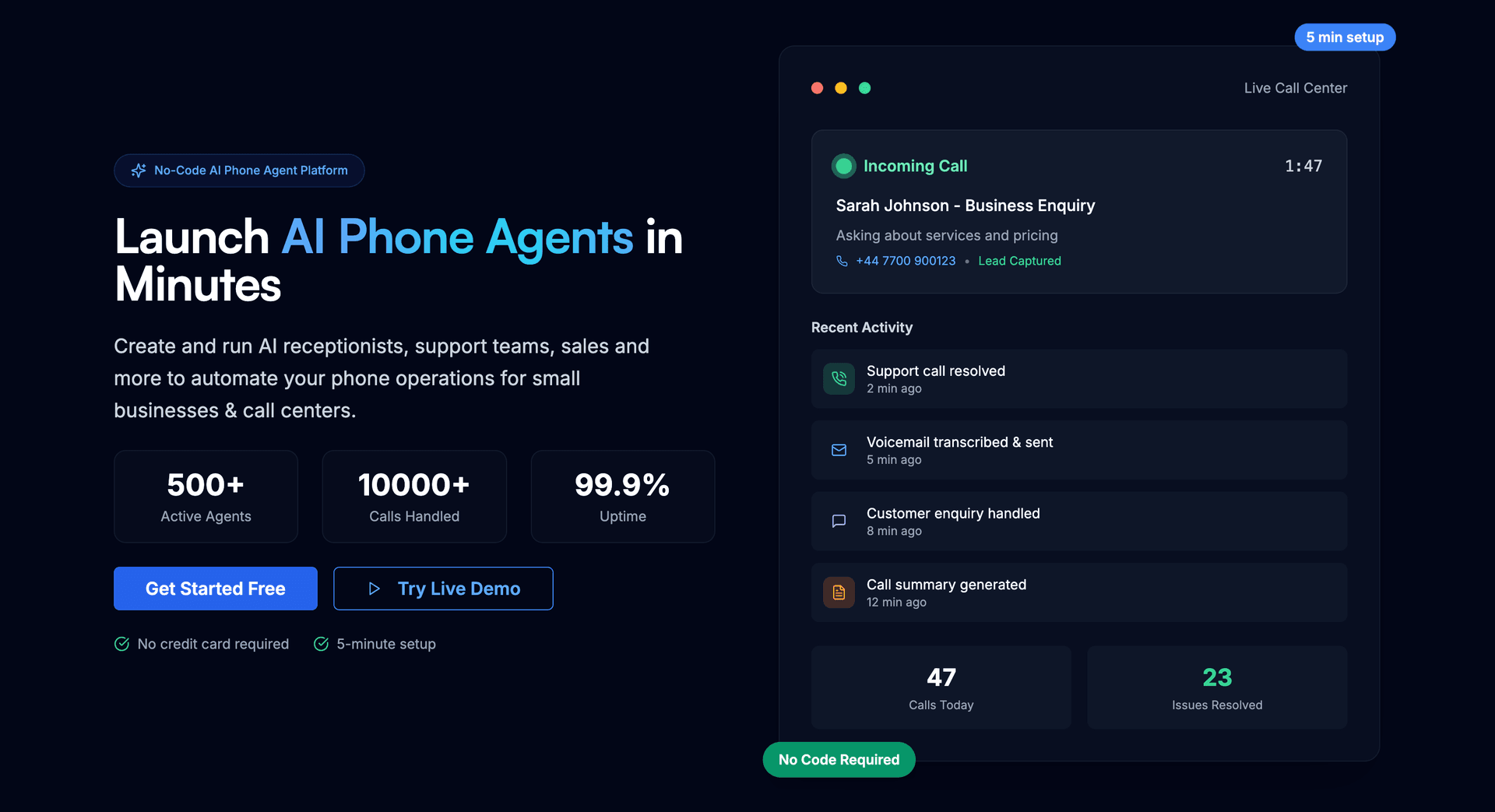
AI Phone Agents & Receptionists in Minutes | OnCallClerk
Facts & Trust
Pricing and key facts stay visible first; expand compliance, specs, and provider details when you need deeper due diligence.
Key Features
Memory across sessions
Long-form discussions stay coherent even across multiple sessions. OnCallClerk is built for Web App users.
Enterprise-grade security posture
GDPR compliance makes OnCallClerk suitable for regulated environments. The listing includes a GDPR compliance signal for
Try before you commit
Spin up a proof-of-concept quickly to validate fit and adoption.
Automation-first workflows
Automation frees time for strategic initiatives while maintaining consistency. OnCallClerk focuses on automation; test i
Data-driven decision support
Dashboards and analytics surface the metrics teams need to act. OnCallClerk includes analytics/reporting signals; check
Expert Insight
Dr. William Bobos
OnCallClerk receives positive evaluation from Dr. William Bobos for Conversational AI applications. Dr. William Bobos's knowledge of AI tools highlights the tool's value for business executives needing AI tools solutions.
Pricing & Plans
Pricing: $0 – $299 / month(Updated September 2026)
Free plan (AI agent + phone number, no cost). Entry $29/month (calendar booking, call transfers). Mid-tier plans $99-$299/month. Pay only for calls actually answered; overage billed per-minute. 20% off annual billing.
Usage Model: Pay-as-You-Go — ensuring you only pay for what you actually use.
OnCallClerk provides a free tier that's ideal for business executives testing conversational ai tools. Free users can explore core features and understand how the platform works. Paid plans expand capabilities significantly, offering advanced features, increased limits, and priority support for business executives building professional conversational ai workflows.
Rate this Tool
Be the first to rate this tool!
About OnCallClerk
“AI Phone Agents & Receptionists in Minutes | OnCallClerk”
OnCallClerk Snapshot
Key facts we track so you can judge fit before visiting the provider.
- Primary category
- Conversational AI
- Best fit
- Business Executives, Entrepreneurs, Customer Service
- Platforms
- Web App
- Pricing signal
- Freemium, Subscription - $0-$299 / month
- Provider context
- OnCallClerk
- Data handling
- GDPR marked, Privacy policy linked
- Evidence signals
- Verification metadata recorded
Before you choose OnCallClerk
- Confirm OnCallClerk's current limits, renewal terms, and seat pricing on the official site.
- Review privacy, retention, and data-processing terms before using sensitive data.
- Run a small pilot with your real workflow before adopting it as a core tool.
- Make sure the supported platform matches where your team actually works.
What to verify
- Integration depth is unclear; test import/export, API access, or workflow handoff before relying on it.
Listing data is compiled from structured provider information, public signals, submissions, and periodic checks where available. Treat this page as a shortlist aid, then verify pricing, compliance, and product limits with the provider before making a business-critical decision.
How OnCallClerk Works
Understanding the core functionality and approach of OnCallClerk.
Usage-based pricing keeps OnCallClerk aligned with actual consumption. Finance teams pay only for the outcomes the organization really uses. Pay-as-you-go pricing can work well for variable workloads, but OnCallClerk should be tested against expected usage.
Key Features
Explore what makes OnCallClerk stand out.
Memory across sessions
Long-form discussions stay coherent even across multiple sessions. OnCallClerk is built for Web App users.
Enterprise-grade security posture
GDPR compliance makes OnCallClerk suitable for regulated environments. The listing includes a GDPR compliance signal for OnCallClerk, which is useful for early vendor screening.
Try before you commit
Spin up a proof-of-concept quickly to validate fit and adoption.
Automation-first workflows
Automation frees time for strategic initiatives while maintaining consistency. OnCallClerk focuses on automation; test it on one repetitive workflow before moving critical work into it.
Data-driven decision support
Dashboards and analytics surface the metrics teams need to act. OnCallClerk includes analytics/reporting signals; check whether the available metrics match your decision process.
Use Cases
Discover how different audiences leverage OnCallClerk.
24/7 customer support
OnCallClerk provides instant responses to customers while maintaining brand voice and accuracy. OnCallClerk can help customer-facing teams if its AI outputs stay grounded in approved support material.
Personalized learning support
Create quizzes, study guides, and educational content in minutes instead of hours.
Scale support operations
Knowledge base integration helps agents find answers without leaving their workflow.
FAQ about OnCallClerk
What is OnCallClerk and what does it do?
How much does OnCallClerk cost?
Is OnCallClerk secure and compliant with data privacy regulations?
What platforms does OnCallClerk support?
How can I try OnCallClerk before purchasing?
Who develops and maintains OnCallClerk?
How do I get access to OnCallClerk?
How is usage measured and billed in OnCallClerk?
What deployment options does OnCallClerk offer?
Who is OnCallClerk best suited for?
Related AI News & Insights
Stay updated with the latest news and insights about OnCallClerk and the AI industry.
OpenAI Upgrades ChatGPT Voice with App Integration and GPT-6 Models
Compare Similar Tools
See how OnCallClerk stacks up against similar alternatives in the market.

AutoGPT
Build, deploy, and manage autonomous AI agents – automate anything, effortlessly.

Keep OnCallClerk's listing accurate
Providers can update product facts, pricing context, screenshots, and launch notes. Paid placements are labeled separately and do not replace editorial or data-quality review.
How to Evaluate OnCallClerk
Use this page to evaluate OnCallClerk alongside similar conversational ai tools in our alternatives overview. The goal is not to pick the most popular product; it is to find the tool that fits your actual workflow, risk level, and budget.
- Step 1Run the demo with one real business executives task, not a sample prompt.
- Step 2Model the full monthly cost at your expected usage, including seats, limits, and overages.
- Step 3Confirm export, import, and handoff options so your work is not trapped in one tool.
- Step 4Review privacy, retention, and compliance terms before using sensitive data.
For broader context, browse more conversational ai tools for business executives, or compare this page against the category hub. New to AI tool evaluation? Start with AI Tool Navigator.
Share OnCallClerk
Help others discover OnCallClerk by sharing it on your favorite platforms.
Report an Issue
Found incorrect information or have concerns about OnCallClerk? Let us know.
Need a tool shortlist for a real business use case?
Get a structured 3-5 tool recommendation, pricing comparison, and implementation roadmap for your team.
Need Help Finding the Right Tool?
Looking for alternatives to OnCallClerk or similar tools? Use our AI chatbot to find the right solution for your needs.